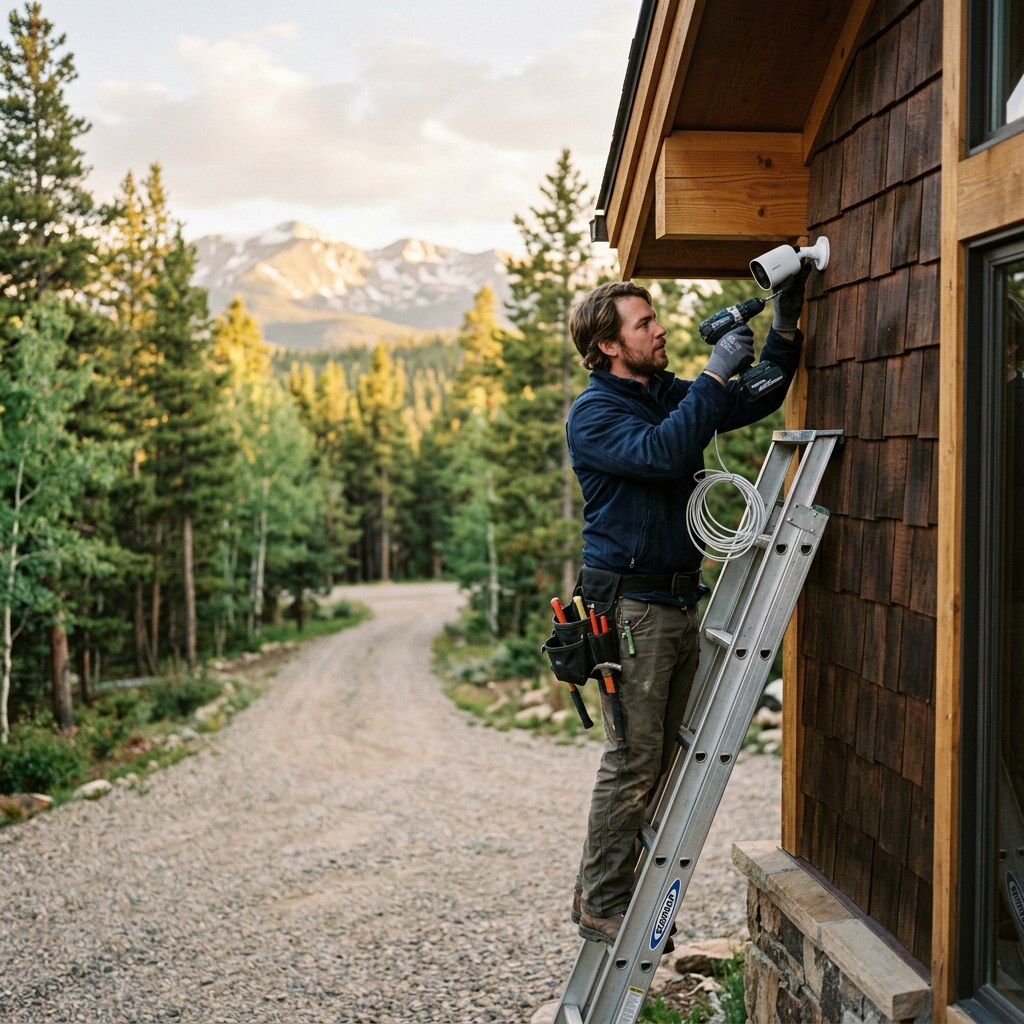
The popular doorbell-camera brands charge around $5 per month per camera for cloud recording. Six cameras at your Eagle County property comes out to about $360 per year, every year, forever, just to keep being able to review what your cameras already recorded. The local-recording cameras we install have zero ongoing cost after the initial purchase. Here’s how that math works out, and why we never sell the subscription model.
The hidden subscription tax
The subscription models are easy to underestimate because they’re small numbers paid slowly. Let’s do the five-year math on a typical six-camera install for a Vail or Cordillera property.
Subscription-camera model
$250 hardware per camera (typical doorbell-brand “outdoor cam”), $5/month per camera for cloud recording. Year one: $1,500 hardware + $360 subscription = $1,860. Year five: hardware (no replacement) + $1,800 in subscriptions = roughly $3,300 total. And you’re still paying $360 every year after that, or you lose access to the footage you already recorded.
Local-recording model (Ubiquiti UniFi Protect, what we install)
The cameras are roughly $200 each. The network video recorder (NVR) that stores their footage is a one-time $400 to $500 device. Six cameras + NVR = about $1,700 total, all in. After year one, zero ongoing cost. Year five total: $1,700.
The cost gap widens every year. Over ten years — not unreasonable for a property you actually live in or rent — the subscription model has cost you about $3,600 in fees alone, on top of the hardware, and you still have to keep paying. The local-recording setup paid for itself and is still running.
“You’re paying $360 a year, forever, just to keep being able to review what your cameras already recorded.”
What “local recording” actually means
Every camera in our installs records its footage to a small dedicated device on your property — a network video recorder, usually a 4 TB or 8 TB unit that lives in your network closet next to the router. The footage stays on that drive. It doesn’t leave your house. The camera doesn’t need to phone home to a cloud service to record — it just writes to the NVR over your local network, which works the same whether your internet is up or down.
When you want to view footage, your phone connects to the NVR through the UniFi Protect app (using either your local WiFi or a secure remote connection back to your property when you’re away). You can scroll the timeline, jump to motion events, export clips. Same experience as a cloud system, just the footage lives on your gear instead of someone else’s.
Why local recording is sometimes better than cloud
Beyond the cost question, three practical reasons we prefer local.
Your footage stays on your property
Camera companies have had data breaches. Some have admitted to employees viewing customer footage. The legal landscape around third-party access by law enforcement is still being argued in court. Local recording sidesteps all of that — the footage is on your hardware, accessible only to you and people you give the app login to.
It works during internet outages
Eagle County loses power and internet often enough that this matters. A subscription camera with a cloud-only design stops recording the moment the upstream goes down. A local-recording camera keeps writing to the NVR; you just can’t view remotely until service is restored. When the storm clears and you check the footage, it’s all there.
No bandwidth tax on 4K event retrievals
A modern outdoor camera shoots 4K. A two-minute motion clip is a few hundred megabytes. Pulling a week of clips from cloud storage costs you bandwidth from your already-limited mountain uplink. Pulling them from the NVR in your own network closet is local-network speed, no impact on your internet.
When cloud backup makes sense as an add-on
We’re not religiously anti-cloud. There’s one scenario where cloud backup of motion events makes sense: high-theft-risk properties where you want footage to survive a break-in that includes someone walking off with the NVR. For those installs we configure UniFi Protect to push motion-event clips to a cloud storage account you own (the underlying Ubiquiti cloud, or your own S3 bucket). The recurring cost is small and you control it.
The difference: this is an optional second copy of motion events, not the only copy. The local NVR is still the primary system. If you cancel the cloud backup tomorrow, all your existing footage and your ongoing recording still work.
The setup we install most often
For a typical mountain home or short-term rental, the standard build is four to six PoE outdoor cameras (G5 Bullet or G5 Pro depending on lighting), a UniFi NVR with a surveillance-grade hard drive sized for 14 to 30 days of continuous recording, and a few thoughtful configurations:
- Motion-zone tuning per camera so the driveway camera doesn’t alert on deer at 3am while still alerting on cars
- Privacy zones blacked out from neighbors’ windows or property lines where needed
- Surveillance-grade drives (WD Purple or Seagate SkyHawk AI) rather than desktop drives, because they’re built for 24/7 write loads
- UniFi Protect app set up on your phone, your spouse’s phone, and the property manager’s phone if applicable
This is what’s included in our Chalet and Lodge tiers — see the Mountain Property Packages for full details. Or read about how we approach networking generally in our earlier post on Eagle County WiFi gear.
Insurance and dispute use cases
The most common “glad we had cameras” calls we get aren’t about break-ins. They’re about everything else:
- STR damage claims (cleaners can review the timeline before and after a stay)
- Delivery disputes (proof of where a package was actually left)
- Wildlife questions (what got into the trash bin Tuesday night)
- Contractor verification (when did the snow plow actually come)
- Insurance documentation of pre-loss condition
For those use cases you want easy access to the last few weeks of footage without rationing your storage. Local recording on a 4 TB drive at 4K gives you about three weeks per camera at full resolution — plenty for any retrospective review. Subscription plans typically give you a few days at the standard tier and require a higher tier for more.
What it costs to install
For a six-camera setup with NVR, PoE switch, and a single-day install on a typical Eagle County property, we’re usually in the $4,000 to $7,000 range depending on cable routing complexity, mount surfaces, and how much trenching is needed for outdoor runs. That number includes the gear, the install labor, configuration, the app setup on your phone, and a one-page reference document.
Send us the address and a quick description of where you’d want cameras (driveway, front door, back deck, hot tub, garage) and we’ll come back within one business day with a written quote.